
Microsoft Excel (Excel and Excel 2019) MO-200 Exam Questions
Question #1 (Topic: demo questions)
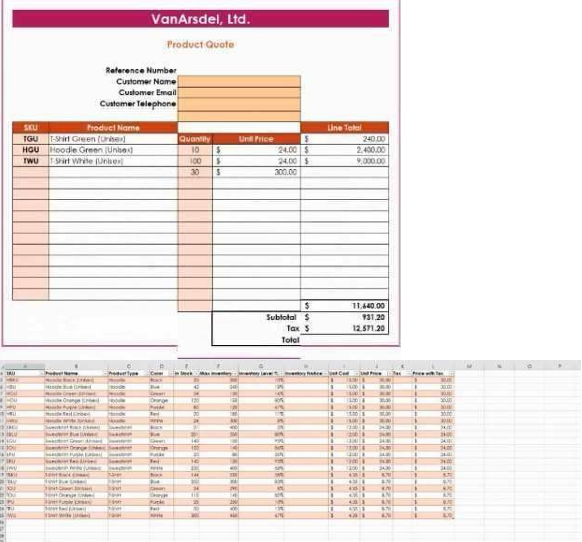
You are updating the sales spreadsheet for an online clothing store. On the "Quote’’ worksheet move the cells E8:F32 up to correct the alignment by deleting cells E7:F7
A.
Correct Answer: A
Explanation:
Select and press delete on the home tab.
Question #2 (Topic: demo questions)
On the ‘’Prices’’ worksheet, apply the Title style to cell A1.
A.
Correct Answer: A
Explanation:
Home Tab/ Styles group/ cell styles
Question #3 (Topic: demo questions)
On the ‘’Orders’’ worksheet, filter the table data to display only the orders from ‘’Alpine SKI House.’’
A.
Correct Answer: A
Explanation:
On the data tab, click filter. Display only alpine.
Question #4 (Topic: demo questions)
Question:4 On the ‘’Prices’’ worksheet, in the ‘’Tax column, enter a formula that multiples the value in the ‘’Unit Price’’ column by cell L2.
A.
Correct Answer: A
Explanation:
=_*_
Question #5 (Topic: demo questions)
Question:5 Answer: Check the Solution below. On the ‘’Prices’’ worksheet, in the ‘’inventory Notice’’ column, use a function to display ‘’Low’’ if the ‘’ inventory Level % is below 15%. Otherwise, leave the ‘’Inventory Notice’’ blank.
A.
Correct Answer: A
Explanation: